Comment trail
Internal and external comments stay attached to the cycle. The record reflects who weighed in and when.
ConstructFlow keeps Submittals, RFIs, comments, approvals, and final files together with project-level permissions and a preserved review history.
What ConstructFlow controls and preserves on the record.
Permissions and control
ConstructFlow keeps the review record under the people responsible for the work. Each project decides who can review, comment, approve, or export, and the record reflects those decisions over time.
Project-level participants
Internal team members and external collaborators are added per project rather than to a single global account.
Review, comment, approve, export
Permissions cover the operational actions on each Submittal and RFI cycle.
Routed reviews
Reviewers see the queue and notifications appropriate to their part of the cycle.
External collaborators included
External reviewers and recipients participate without flattening every role into the same access level.
Roles in the review cycle
Audit trail and version history
ConstructFlow preserves the comment trail, the status decisions, and the document versions tied to each Submittal or RFI cycle, so the record remains complete after the cycle closes.
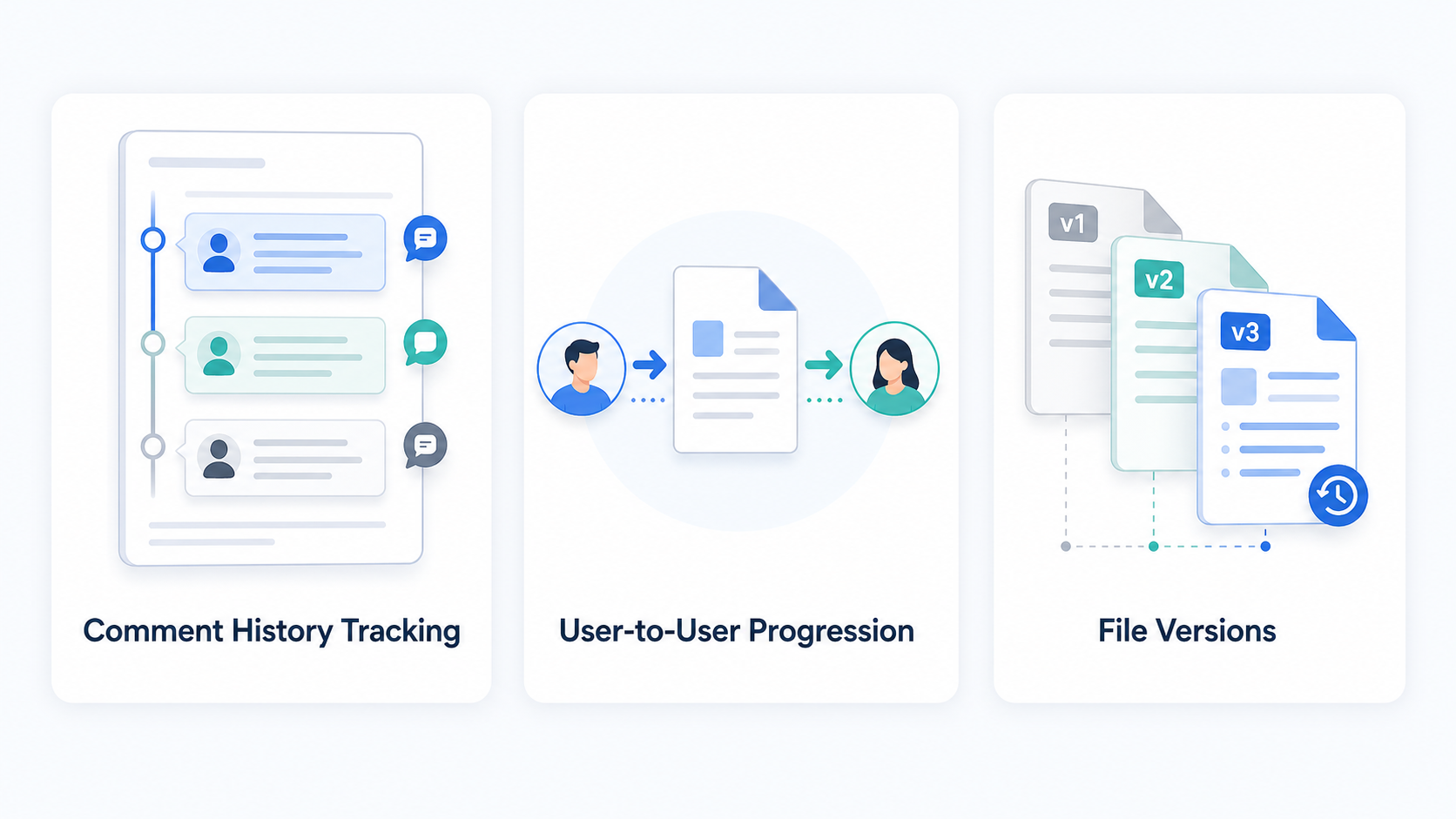
Internal and external comments stay attached to the cycle. The record reflects who weighed in and when.
Approvals, returns, re-submittals, and final status are kept against the cycle. Reviewers can see what was decided and when.
Submittal and RFI document versions are preserved. Final PDFs and coversheets are produced when the cycle closes.
AI source references and human approval
ConstructFlow's AI assists with search, summaries, draft language, and possible review issues on the record. Reviewers still approve outgoing language and final decisions.
AI answer with source references
Draft answer for review
The current record indicates the door hardware substitution still needs architect review because the latest RFI response references the approved finish schedule, while the submittal comments ask for a revised cut sheet before final approval.
RFI-017 Final Response
Reviewer response references finish schedule and requires confirmation before release.
Door Hardware Submittal Cycle 2
Open comment requests a revised cut sheet and updated manufacturer data.
Finish Schedule page reference
Indexed page evidence points reviewers to the relevant schedule location when available.
Exports and closeout handoff
Final PDFs, coversheets, and exports are produced from the same review record, ready for handover and closeout.
Final review PDFs are generated against the cycle's record so the deliverable matches the decisions made.
Coversheets summarize routing, comments, and final status, so the package is legible to anyone receiving it.
Exports are built for handover at closeout. The comment trail, status decisions, and final files travel together.
Responsible boundaries
ConstructFlow describes controls visible in the product today: participant permissions, review history, source references, human approval, and exports. Formal security review belongs in a walkthrough with the right stakeholders.
How we frame trust
For security teams
A walkthrough maps ConstructFlow's review record, participant permissions, exports, and how AI suggestions are tied to source material to your firm's evaluation process, then routes formal security and contractual questions through the proper review path.
Trust FAQ
Practical answers about permissions, the audit trail, AI approval, exports, and what is shared during a formal security review.
Each project controls who can review, comment, approve, or export. Internal team members and external collaborators are added per project rather than to a single global account.
Comments, status changes, approvals, returns, re-submittals, and document versions stay attached to the cycle. The record reflects what was decided and when.
No. AI assists with search, summaries, draft language, and possible review issues on the record. Reviewers approve outgoing language and final decisions.
Final PDFs, coversheets, and the comment trail and status decisions tied to each cycle. Exports are produced from the same record the team worked from.
Request a walkthrough on the contact form. Specific compliance, infrastructure, and contractual details are shared during a walkthrough or under a security agreement.
Ready for a closer look
See how project-level permissions, audit history, AI with source references, and handoff-ready exports come together in the review record.